See yourself in every shade.
Upload a photo of what you are actually wearing. Frame Atelier finds the garments in it and recolors them one at a time — your face, hair, skin and background untouched — so you can build a whole outfit before you buy any of it.
Free · No login · Photos stay on your device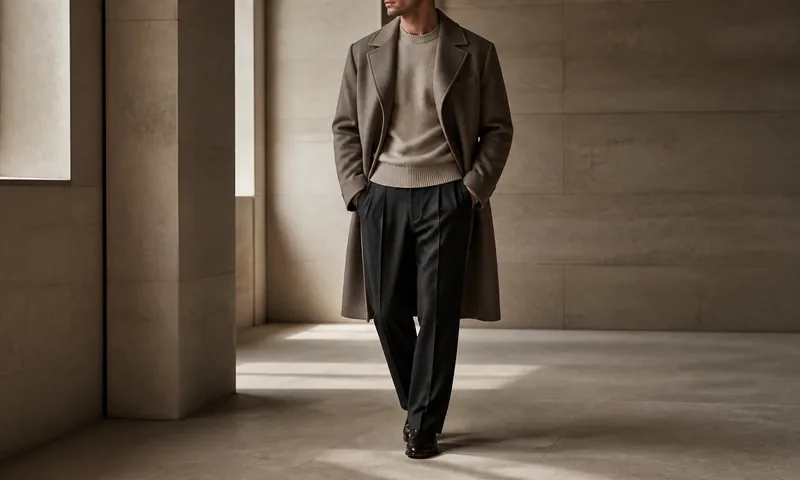
- TopMocha
- BottomCharcoal
- No account requiredUse it instantly
- Photos stay on your deviceNothing is ever uploaded
- Free to exploreNo login, no paywall to try
- iPhone & AndroidRuns in your browser
Editorial correction, not artificial perfection.
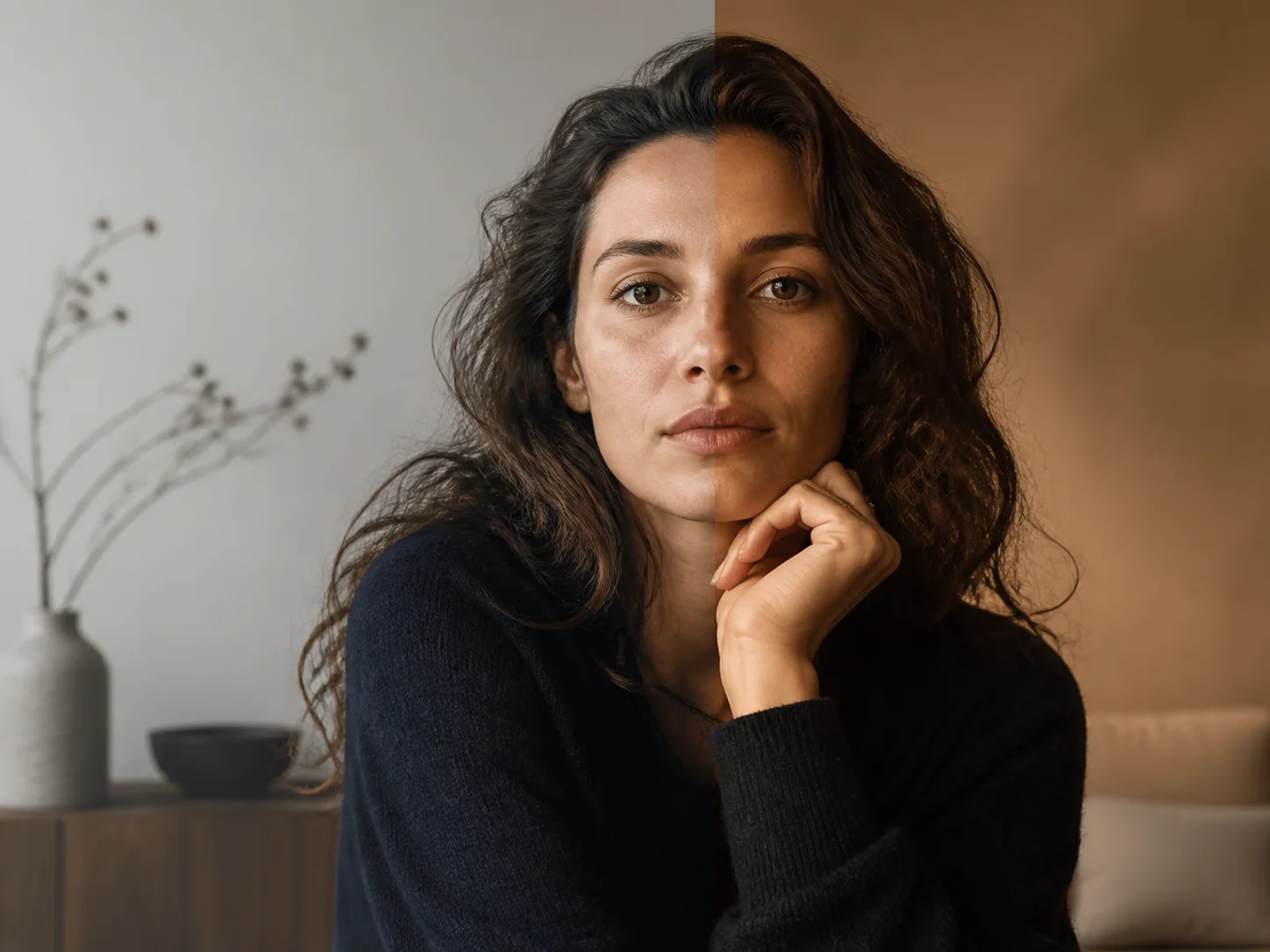
Frame Atelier adjusts tone, contrast, warmth, atmosphere, and camera character while keeping the result believable — skin stays skin. No exaggerated beauty retouching.
- Before & after divider — drag it across the photo to see the real difference.
- Adjustable strength — you control how far a look goes.
- Editorial, Luxury, Old Money, Travel, Vintage Print, Nocturne & Seasonal collections.
- TrueView correction — reduces common phone-camera distortion for a natural look.
It finds the clothes before it colors them.
Frame Atelier reads your photo on your own device and works out which garments it can actually separate. Whatever it finds is what you get to color — and where it cannot tell one garment from another, it says so instead of guessing.
- Top and bottom, when the photo separates them — a hem, a waist, a change of color or of fabric.
- Shoes, when they are confidently detected — a cropped or seated photo often will not show them, and the row is withdrawn rather than faked.
- One garment is a normal answer — a dress, a coat, a close crop. It colors as one.
- Face, hair, skin and background are never recolored — only cloth moves.
Change one garment at a time.
Your other choices stay put. Pick the garment you want to work on, then walk the shade families until something is right. The colour goes onto the cloth in your own photograph — folds, shadow and fabric character kept — and the choices you have already made are not disturbed while you explore another garment.
- Top, Bottom and Shoes are separate — switch between them; nothing is overwritten.
- Ten shade families — neutrals, blacks and grays, browns, blues, greens, reds, and more.
- Your own photo, every time — never a model, never a swatch card held next to you.
- Nothing is scored or ranked — no “best” badge. You decide what looks right.
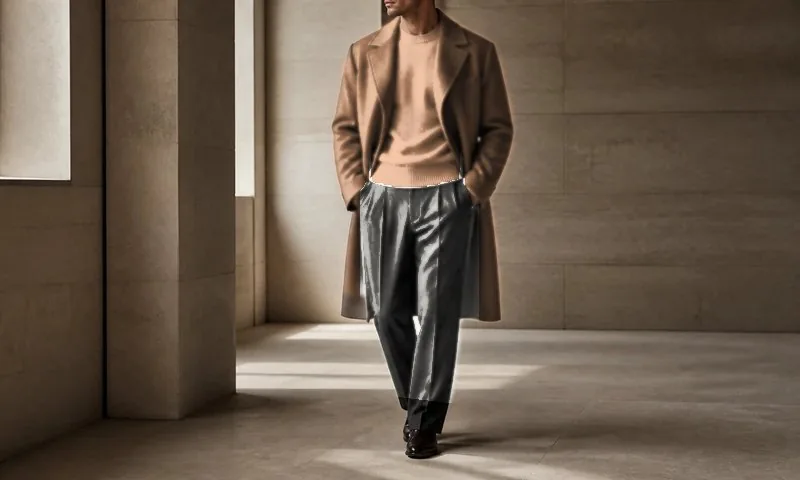
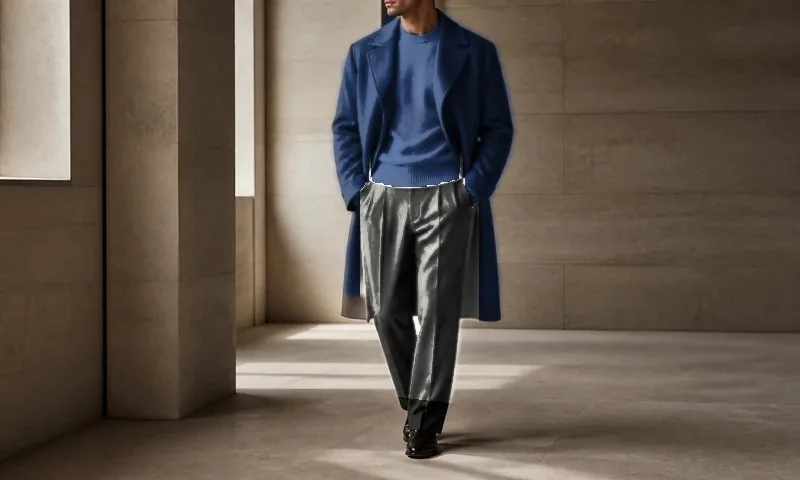
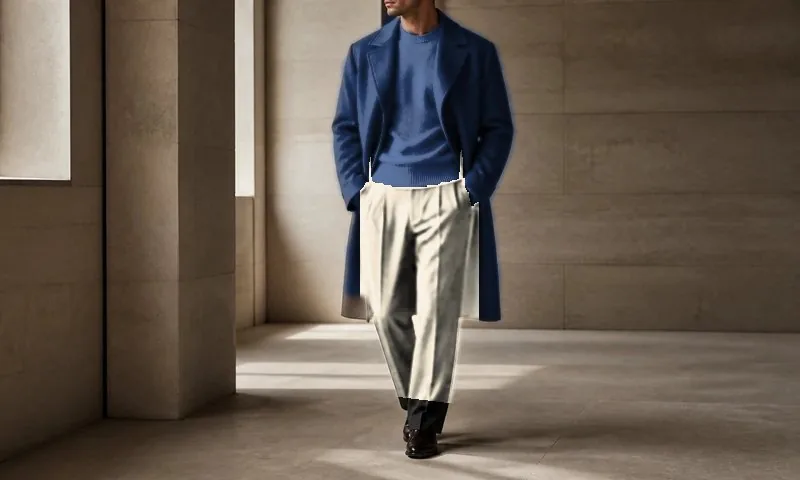
Composed demonstration — three still images. The colour changes shown were produced with Frame Atelier’s own renderer from one photograph; this page is not running it. Footwear is not offered on this picture, because the shoes are not clearly enough in frame for it to be.
A whole outfit, one garment at a time.
Every garment the photo gave you keeps its own color, so an outfit accumulates instead of resetting. When you want a second opinion, Pairs Well With suggests a companion shade — and puts it on the garment you choose, never over the one you already settled.
- Top, Bottom, Shoes — each with its own shade and its own shop link.
- Pairs Well With — a suggestion asks which garment it should go on when there is more than one answer.
- Nothing is recolored behind your back — one garment moves per choice.
- Save the look — kept on your device, ready next time.
Two looks, side by side, on the same photo.
Color is hard to judge one at a time — the eye needs something to compare against. Put two versions of the same outfit next to each other, keep the one you prefer, and it is there when you come back.
- Compare before you commit — one photograph, one garment changed between them.
- Save favorites — individual shades or a complete outfit.
- Stored on your device — no account, and your photo is never uploaded.
Buy the garment, in the color you chose.
Each garment carries its own search — the shade name and the garment word, sent to Amazon — and a complete outfit gets one search of its own. You are taken to the results; Frame Atelier does not quote a price it has not been given.
- Shop one garment — the Top alone, in Mocha.
- Or the whole outfit — once every garment the photo offers has a color.
- Opens on Amazon — Frame Atelier recommends, it does not sell. As an Amazon Associate we may earn from qualifying purchases, and prices and availability may change on the retailer site.
Your saved shades, styled.
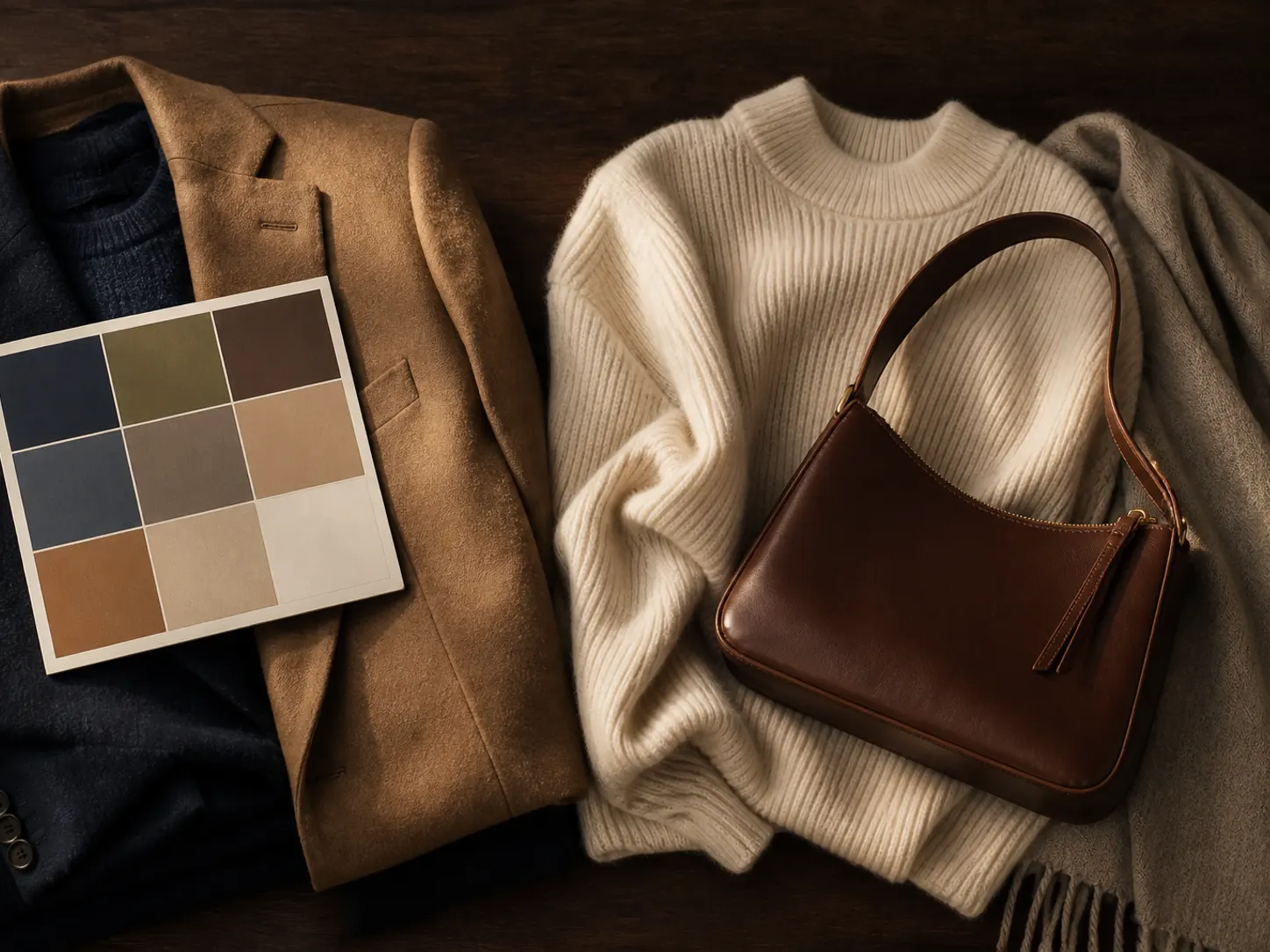
Turn the colors you actually chose into outfits, wardrobe ideas, aesthetics, rooms and shopping options — for men and women.
- Suit & outfit colors built from the shades you saved.
- Build an outfit — occasion + formality + aesthetic, with a tie / no‑tie switch.
- Choose your aesthetic — Old Money, Quiet Luxury, Minimalist, Boho & more.
- Tap any color to see it on your own clothes before you buy it.
Free · No login · Photos never leave your device
Take a photo of a room.
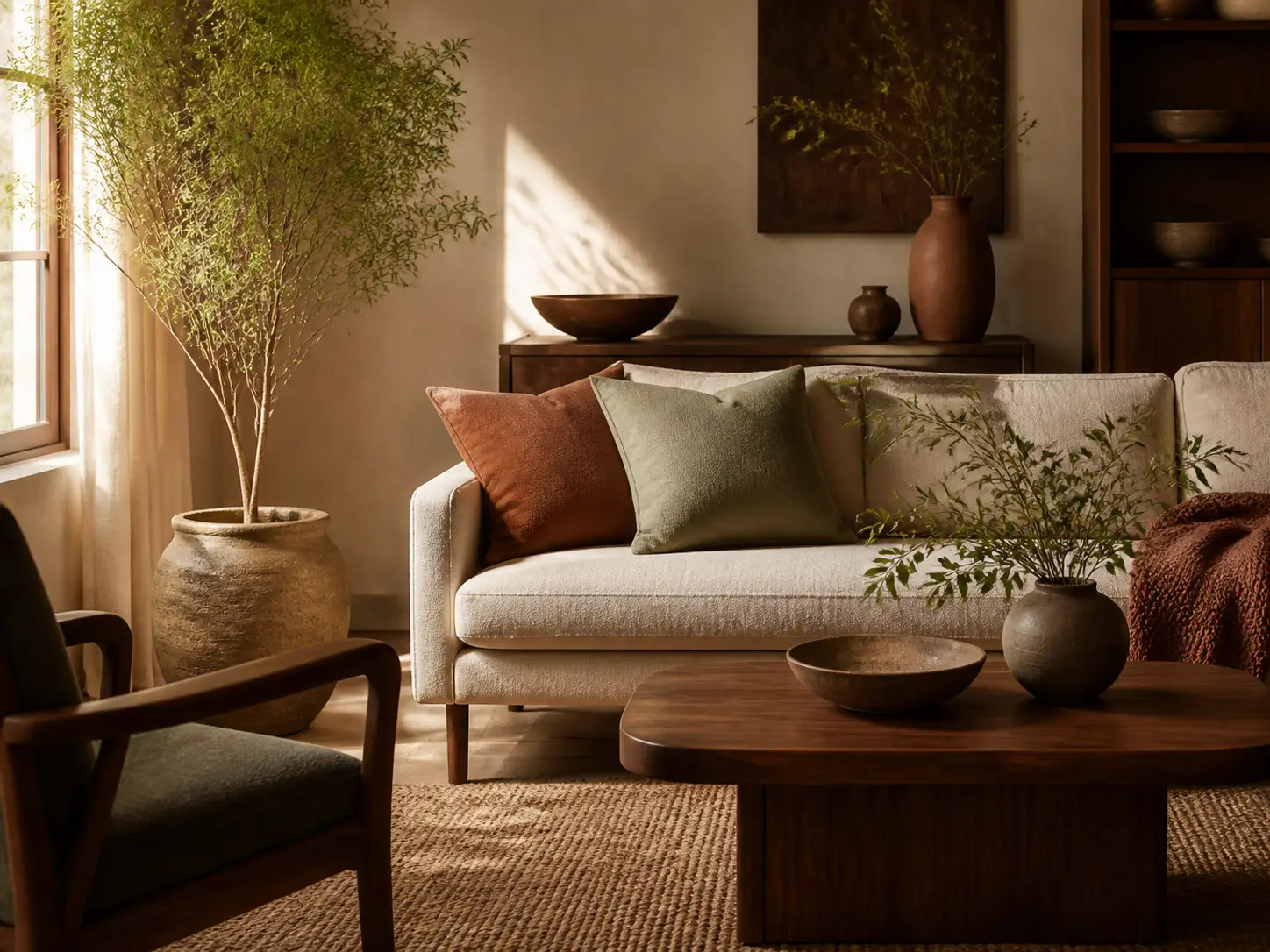
Your aesthetic goes beyond portraits. Photograph any room, scene, or place — interiors, travel, landscapes, food — and Frame Atelier interprets its palette, lighting character, and mood, then turns it into decor direction you can shop.
- Dominant colors, named — Sage, Terracotta, Walnut Brown — ready to search.
- Lighting & mood — warm or cool, airy or moody, calm or vibrant.
- Pairs well with — materials and finishes that suit the palette.
- Shop This Palette — find pillows, rugs, lamps, and decor that match the look.
How it works
One private workflow — every step happens on your device.
- UploadA real photo of what you are wearing, straight from your library.
- DetectFrame Atelier works out which garments it can separate.
- ColorRecolor a garment — face, hair, skin and background untouched.
- BuildTop, Bottom and Shoes, each keeping its own shade.
- CompareTwo looks side by side; save the one you prefer.
- ShopOne garment, or the whole outfit.
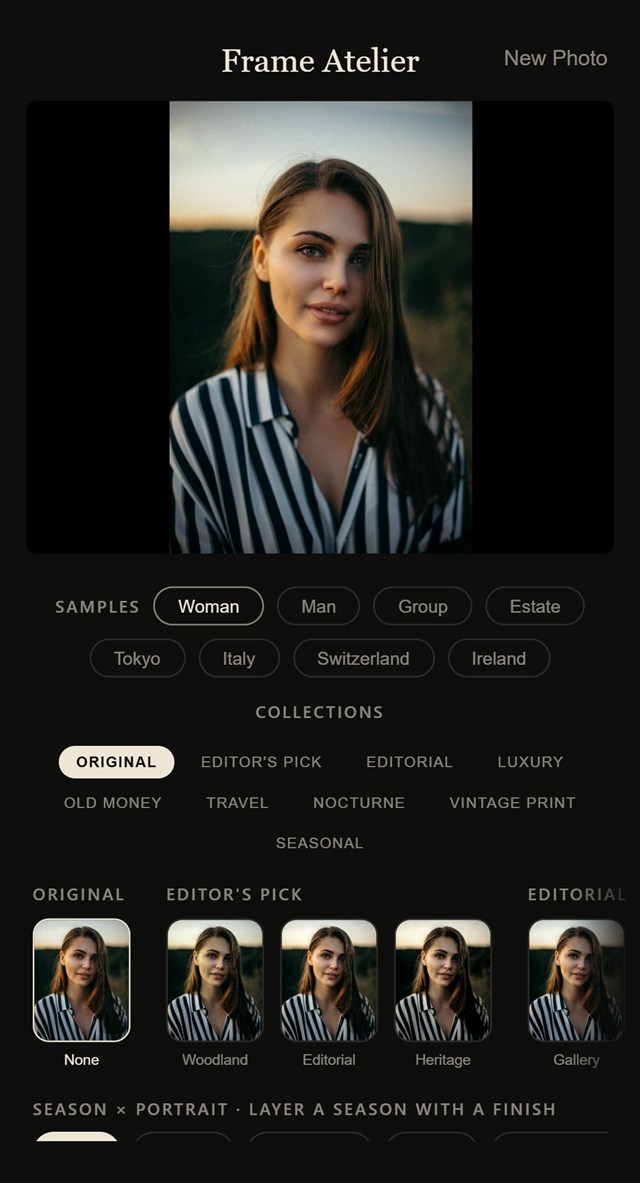
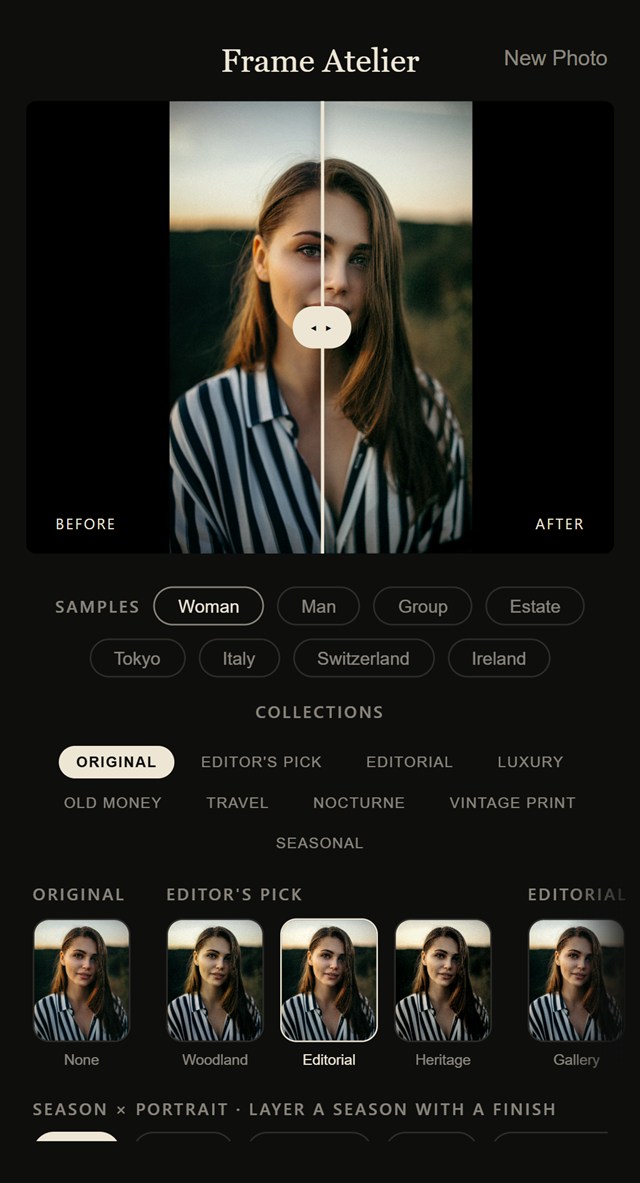
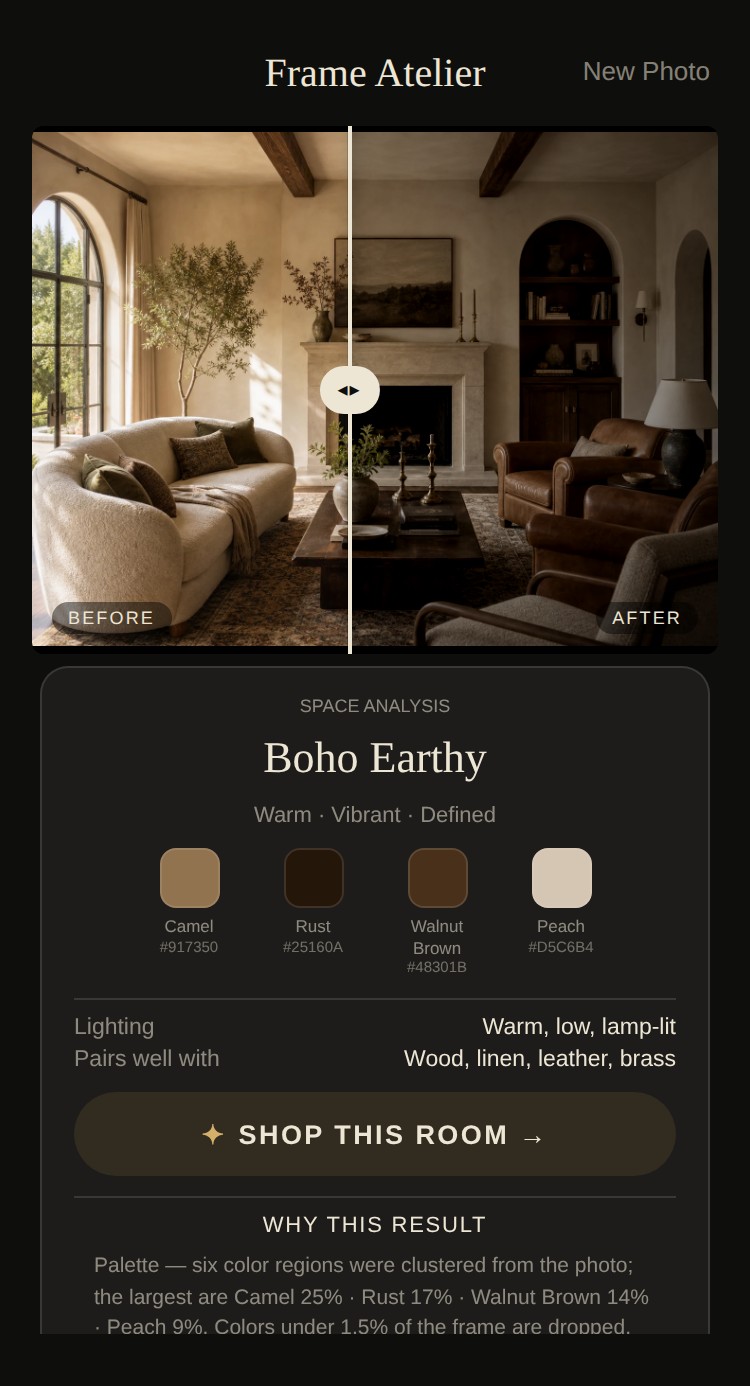
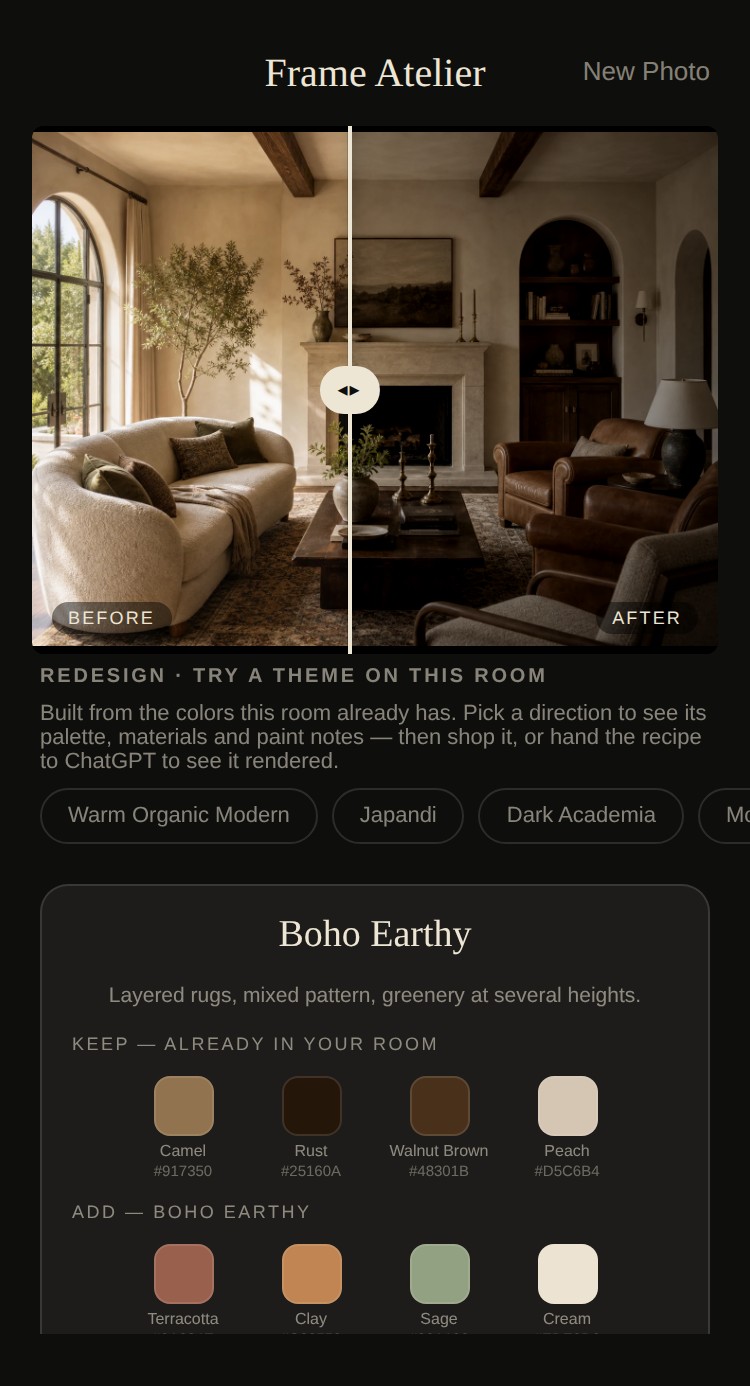
Actual app screens — this is the interface you'll use.
The screens above, live in your browser — free.
Color season guides
Optional reading, not the main event. Shade Studio is where you choose your colors — these guides cover the traditional twelve-season system, with palettes, hex codes, metals and the tests that separate the look-alikes.
Shown once — you won't see this page again.